Guides › iGoogle alternatives
iGoogle is gone. Here is what official sources say, and what still works
Google launched iGoogle in 2005 and retired it on 1 November 2013. A modern start page is an ordinary website or a new-tab extension you choose, not a Google gadget page.
What iGoogle was, in Google’s own words
Google’s official blog post “Spring cleaning in summer” (3 July 2012, checked October 2026) announced that iGoogle would be retired on 1 November 2013. The post says Google originally launched iGoogle in 2005, before anyone could fully imagine how web and mobile apps would put personalized, real-time information at your fingertips, and that with modern apps on Chrome and Android the need for iGoogle had eroded over time. Users were given 16 months to adjust or export their data.
An earlier official Google Workspace Updates post, “iGoogle now replacing the Start Page” (27 July 2010, checked October 2026), said the Google Apps Start Page was being converted to iGoogle, that configured gadgets would migrate, and that the old Start Page address would redirect.
Google’s Inside Search blog, “Spice up your iGoogle page with new, immersive, full-page themes” (1 March 2012, checked October 2026), described iGoogle themes and gadgets while the product was still live. Those theme and gadget directories are not a current Google homepage.
Timeline from those posts
| Date | What the official post said |
|---|---|
| 2005 | iGoogle launched (stated in the 2012 spring-cleaning post). |
| 27 July 2010 | Google Apps Start Page converted to iGoogle; gadgets migrated. |
| 1 March 2012 | New iGoogle full-page themes described on the Inside Search blog. |
| 3 July 2012 | Retirement announced for 1 November 2013; 16 months to export. |
| 1 November 2013 | iGoogle retired, per that announcement. |
This table only uses dates written on those Google posts. It does not add download counts, gadget counts, or user numbers.
What replaced the idea, not the product
After iGoogle closed, people kept wanting a first page with shortcuts and blocks of information. That need split into two official browser mechanisms:
- Homepage / startup page: a URL you type in Chrome, Edge, Firefox, or Safari on a Mac. See the homepage guide.
- New tab override: an extension. Chrome Help documents Customize Chrome for the built-in New Tab page, not a custom URL. See Chrome New Tab settings.
What is a start page? on this site uses that split. Best start pages 2026 compares Dayblaster, Momentum, start.me, Tabliss, Infinity New Tab and Bonjourr using public product pages. Dayblaster is our product and is listed first there; that conflict is explained on how we review.
start.me is a web page you can set as a homepage, which is the closest structural match to the old “open this URL” habit. Momentum, Tabliss, Bonjourr and Infinity New Tab are extensions. Those facts are from the 2026 comparison page on this site, which cites each product’s official materials.
A current start page you can open without gadgets
Dayblaster is a website at https://www.dayblaster.com. You add shortcuts, keep widgets
on the page, and (on the live site) see news and markets bars. There is no iGoogle gadget gallery
and no Google account requirement. An optional free Dayblaster account syncs settings.
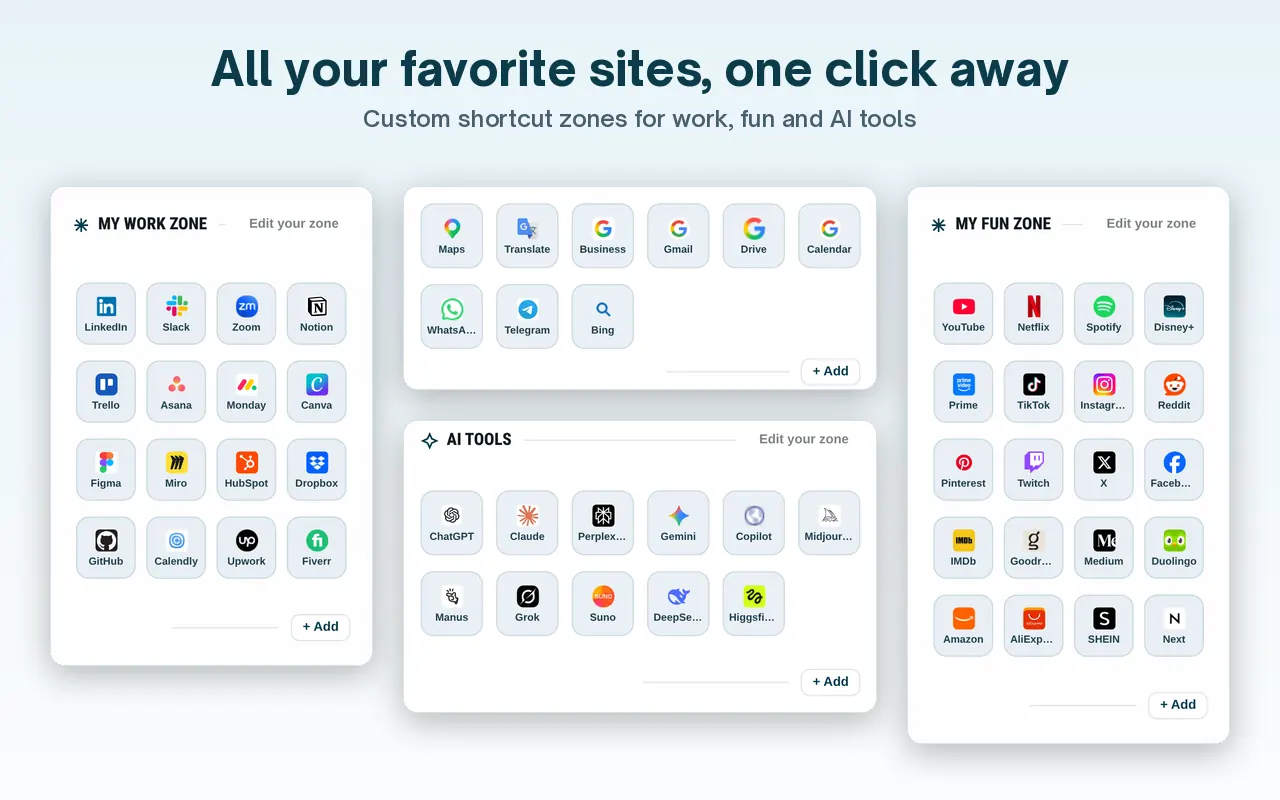
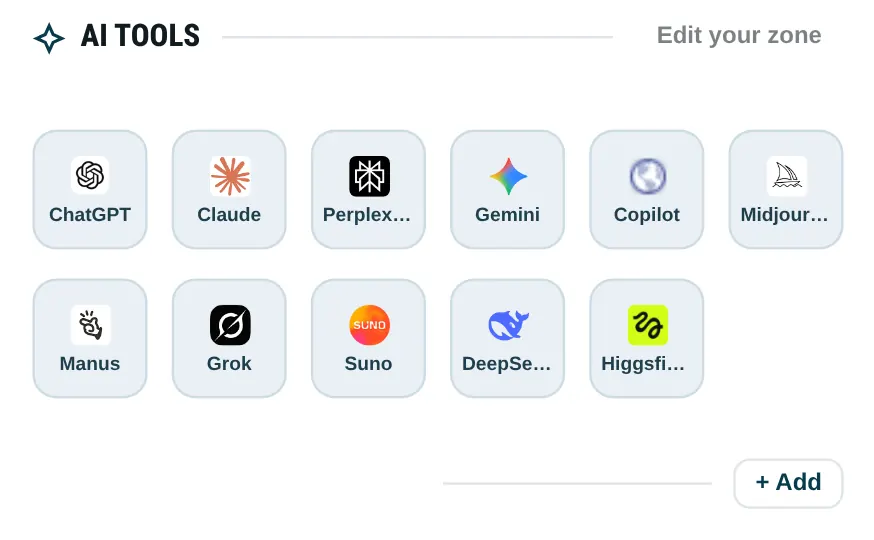
To open it the way people once opened iGoogle, set the homepage (and, if you want, the startup page) to that address. Chrome and Edge still need an extension for every new tab.
What this page does not claim
Google’s 2012 post listed other closures in the same spring-cleaning note (Google Mini, Chatback, Google Video uploads, a Symbian search app). Those products are not start-page replacements. They are listed here only to show that the iGoogle date sits in a public, dated Google announcement, not in a later retelling.
We are not publishing a Netvibes, Pageflakes or My Yahoo feature table in this article. Those names appear in start-page history conversations, but this page only states facts we read on official Google posts plus what this site already documents about current start pages. If a product is not cited below, it is omitted on purpose.
iGoogle gadgets could show mail, weather and feeds on one Google-hosted page. Dayblaster’s news bar uses Google News RSS through a site function (facts.html). That is not an iGoogle gadget runtime and not a claim of compatibility with old gadget XML. Exporting an iGoogle page in 2013 does not import into Dayblaster.
For the difference between homepage, startup and new tab in current browsers, use the 2026 homepage guide, which cites Chrome, Edge, Firefox and Safari help. For a product-by-product 2026 table, use best start pages 2026.
More from the 2010 and 2012 Google posts
The 27 July 2010 Workspace Updates post said the Start Page gadgets users had configured would migrate to iGoogle pages, after which users could modify gadgets, tabs and themes. The Start Page web address would redirect. Editions listed: Standard, Premier, Education and Partner. Languages: all languages supported by the Start Page. Access was described as http://partnerpage.google.com/yourdomain.com with the domain replaced.
The 1 March 2012 Inside Search post described full-page themes (including Gmail themes brought over with iStockphoto), sharing themes and gadgets with a +1 button, and new icons for settings, add gadgets, and change theme. It said users could preview the new look with “Switch to the new look” and temporarily revert from settings. Those controls died with iGoogle in 2013.
Google’s 3 July 2012 post framed the closure as focus: “we need to focus, or we end up doing too much.” The same post pointed mobile search users at www.google.com as a homepage or bookmark. That sentence is why a typed homepage URL, not a gadget page, is the surviving official pattern.
If you want a 2013-style grid of your own sites today, set a start page URL you control. Dayblaster is one such URL. start.me is another web page in our 2026 comparison. Extensions are a different install. Pick the mechanism first (homepage URL vs new-tab extension), then the product.
A practical 2026 setup after iGoogle
1. Decide whether you care about the Home button, browser launch, or every new tab. 2. Set the homepage URL in the official Settings path for your browser. 3. Only then install a new-tab extension if you still want Ctrl+T to match. 4. Prefer products that publish a privacy block you can read, and keep a backup of your shortcuts. Dayblaster’s backup and kit import are documented on this site. iGoogle’s export window closed in 2013.
That sequence is the opposite of installing the first pretty new-tab add-on you see. It matches how Chrome, Edge and Firefox still separate those settings in 2026.
Google’s 2012 post is also the reason this article does not promise an iGoogle-compatible gadget host. Google chose to wind the product down. A start page in 2026 is a URL or an extension you can remove. That is a smaller claim, and it is the one the official browser help pages support.
Official sources
- Spring cleaning in summer (Google blog, 3 July 2012, checked October 2026)
- iGoogle now replacing the Start Page (Google Workspace Updates, 27 July 2010, checked October 2026)
- Spice up your iGoogle page with new, immersive, full-page themes (Google Inside Search, 1 March 2012, checked October 2026)
- What is a start page? and Best start pages 2026
More: What is a start page? · Best start pages 2026 · Guides · About · Contact · Terms · Chrome Web Store · Cookie settings