Guides › What is a start page
What is a browser start page?
A browser start page is the first page you see when you open your browser or a new tab. It can be a plain search box — or a personal dashboard with your shortcuts, widgets and live information in one place.
You open your browser dozens of times a day, and something loads first every time. By default that's usually a search engine or a grid of thumbnails. A start page replaces that default with a page you actually chose: quick links to the sites you use, plus tools like a to-do list, weather, a clock, or news and market tickers.
Homepage vs new tab vs start page
These three terms get mixed up constantly. Here's the difference:
| Term | When it appears |
|---|---|
| Homepage | When your browser starts, or when you click the home button. |
| New tab page | Every time you open a new, empty tab. |
| Start page | A customizable dashboard you can set as your homepage, your new tab, or both. |
In other words, "start page" describes what the page is; "homepage" and "new tab" describe where it shows up. A good start page can fill both roles. See our step-by-step guide to setting your homepage and new tab.
Chrome’s own help says you can customize shortcuts and the background on the default New Tab page. It also says that if an extension controls the New Tab page, you will find that extension in the footer. Changing Chrome Settings for homepage or startup does not replace every new tab. That is why start-page products often ship both a website URL and an optional extension.
A concrete example: Dayblaster
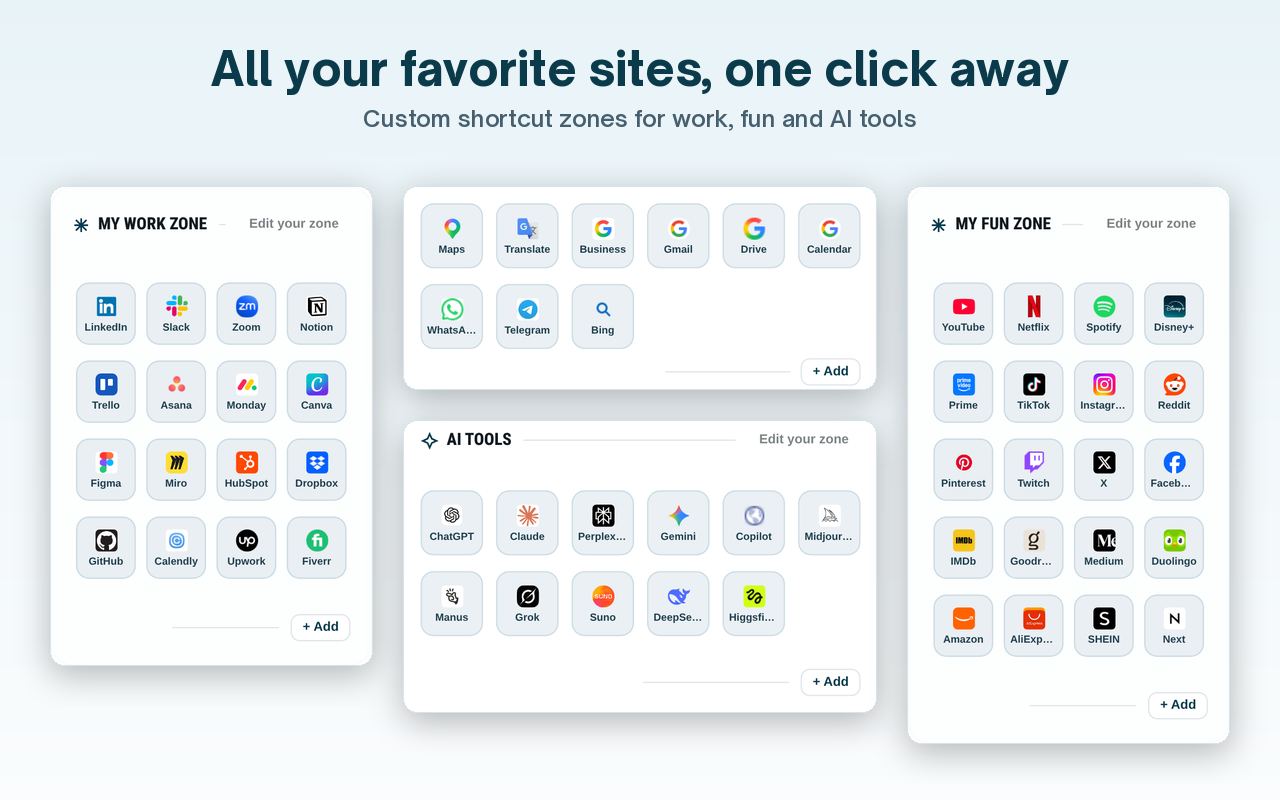
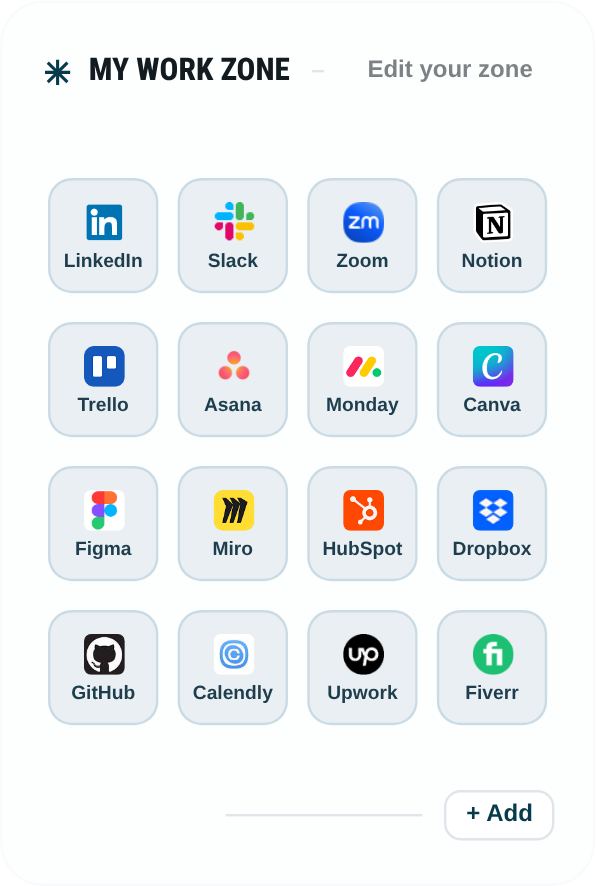
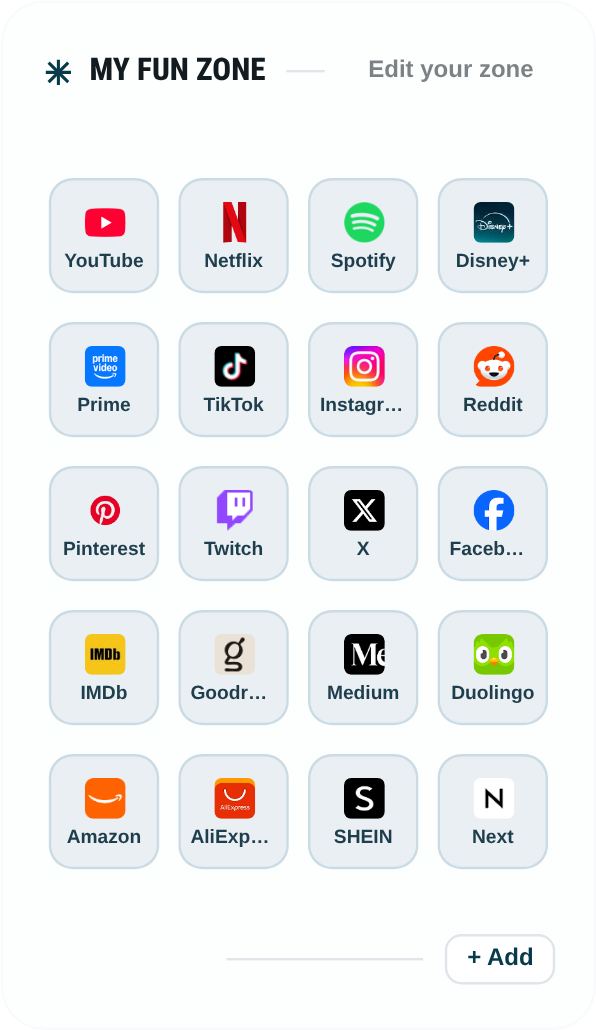
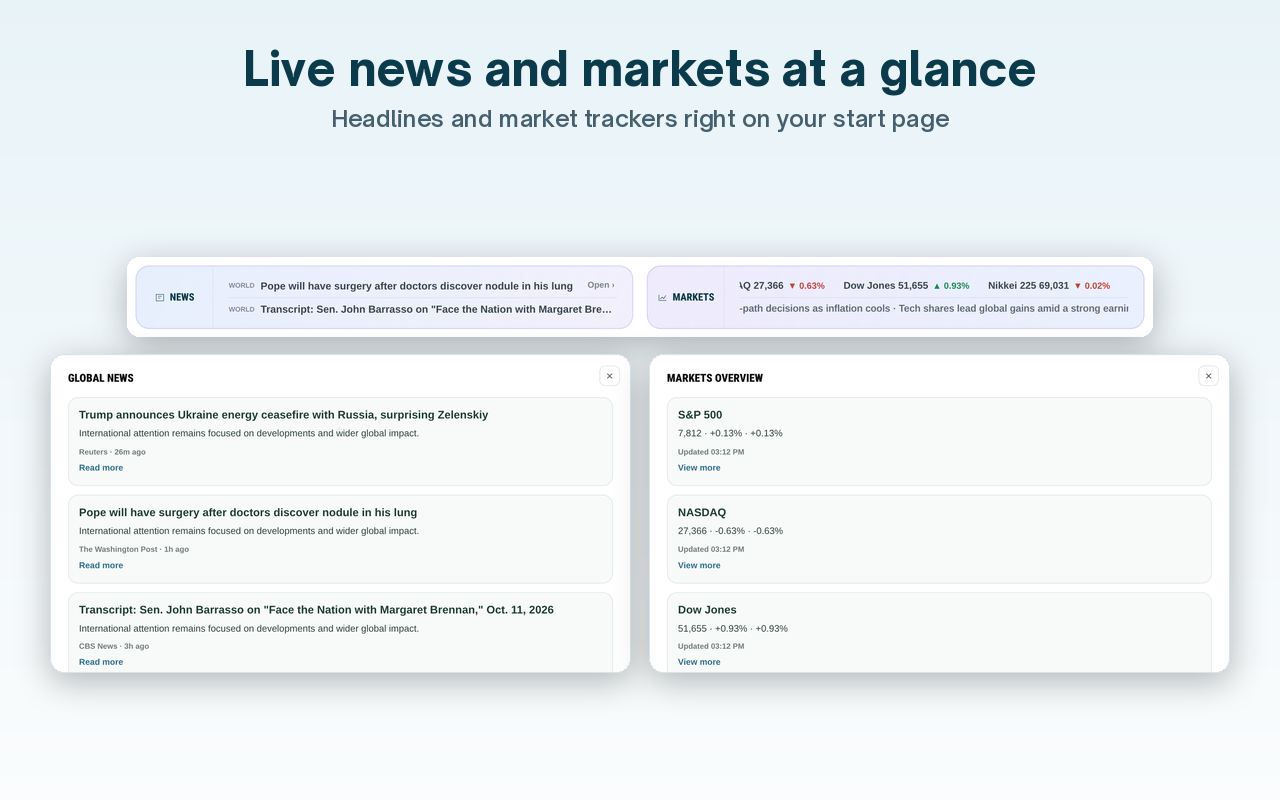
Dayblaster is one start page you can open at https://www.dayblaster.com/. The default layout has a Work zone, a Fun zone, an AI Tools row, and a Google apps row. You add, edit, remove, and drag shortcuts. The page also shows a news ticker and a markets ticker, plus a widget dock.
What else sits on a start page
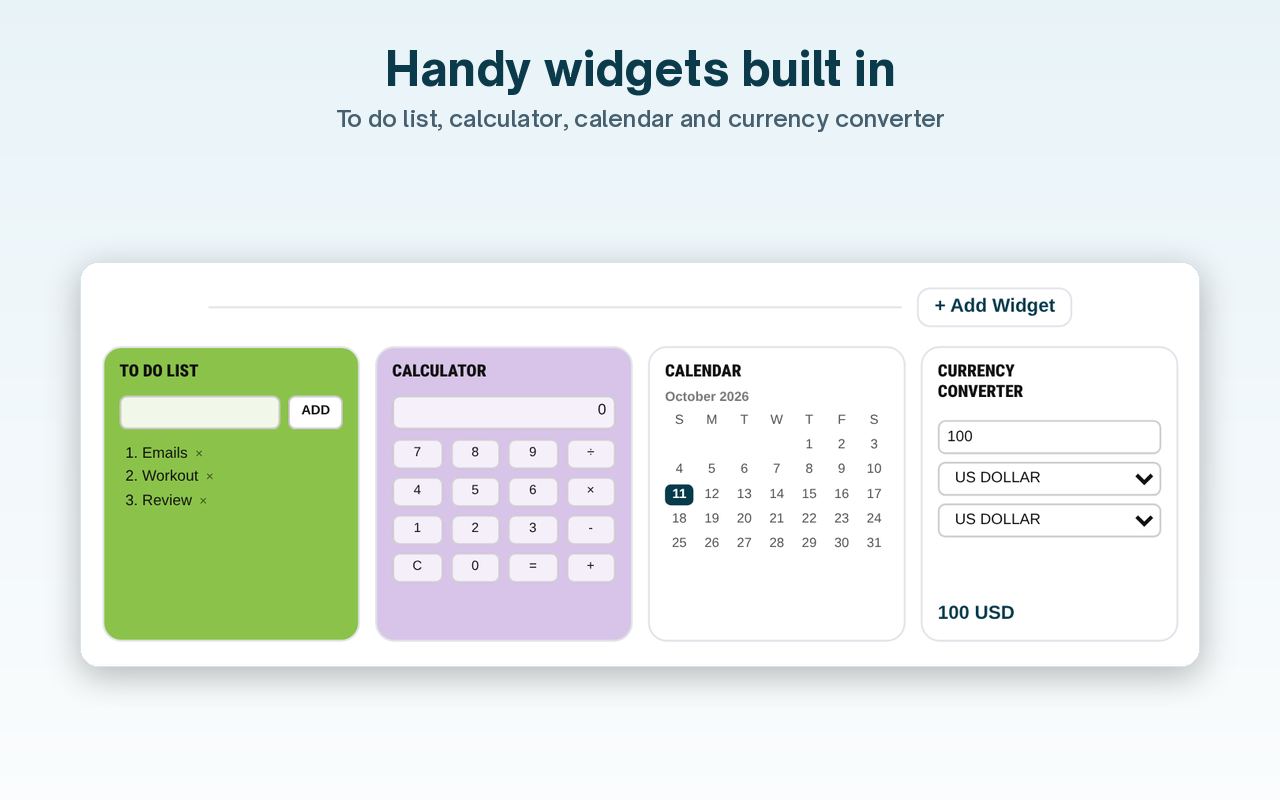
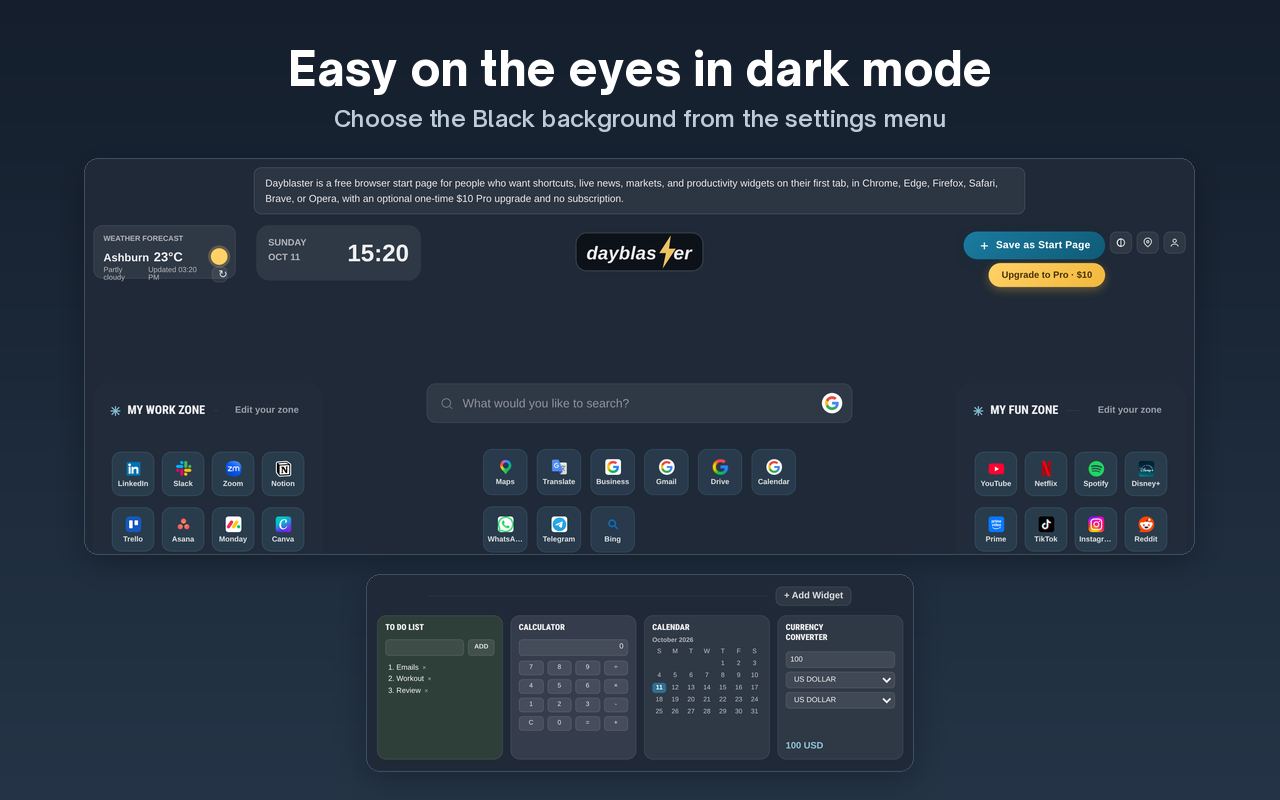
Shortcuts are only one part. Many people also want a clock, weather, a to-do list, or live information. Dayblaster’s widget dock can hold Notes, To Do List, Calculator, Calendar, Currency Converter, Clock, Weather, Timer, Alarm, Countdown, Pomodoro, and Custom Text. The free plan allows up to 7 widgets. Pro allows 14.
Live rows can sit under the shortcuts. Dayblaster shows news headlines from Google News RSS and a markets ticker that includes major indices and currency rates.
A start page can also change look. Dayblaster includes White, Black, Light blue, Pink, Orange, Velvet, and Green backgrounds, plus an uploaded image. The Black background is the dark layout.
Why replace the default?
- Save clicks. Your most-used sites are one tap away instead of a search away.
- See what matters. Weather, tasks, news or markets the moment a tab opens.
- Start with intent. A blank search box invites drifting; a dashboard reminds you what you meant to do.
- Make it yours. Your links, your layout, your background — not a generic default.
What to look for in a start page
- Speed — it loads on every new tab, so it must be instant.
- Editable shortcuts — grouped the way you think.
- Useful widgets — without turning into clutter.
- Fair pricing — free to use, no forced subscription for the basics.
- Privacy — clear about what data it stores and where.
How this idea showed up before
Custom start pages are not new. Older products such as iGoogle let people pin gadgets onto a homepage. iGoogle was retired. The job it did (shortcuts, widgets, a first tab that is yours) is still the job today’s start pages try to do. For the history of those products and what is still available, see iGoogle alternatives.
You do not have to pick one role. A start page URL can be the homepage, and an extension can point new tabs at the same URL. Dayblaster documents both paths in the homepage and new tab guide. Safari can point new tabs at a homepage without an extension. Chrome and Edge need an extension for the new-tab role.
Want to compare real options? See the best start pages of 2026 or the best Momentum alternatives.
Try Dayblaster free →More: Best start pages 2026 · Chrome new tab extensions · All guides · About · Contact · Terms · Chrome Web Store · Cookie settings